
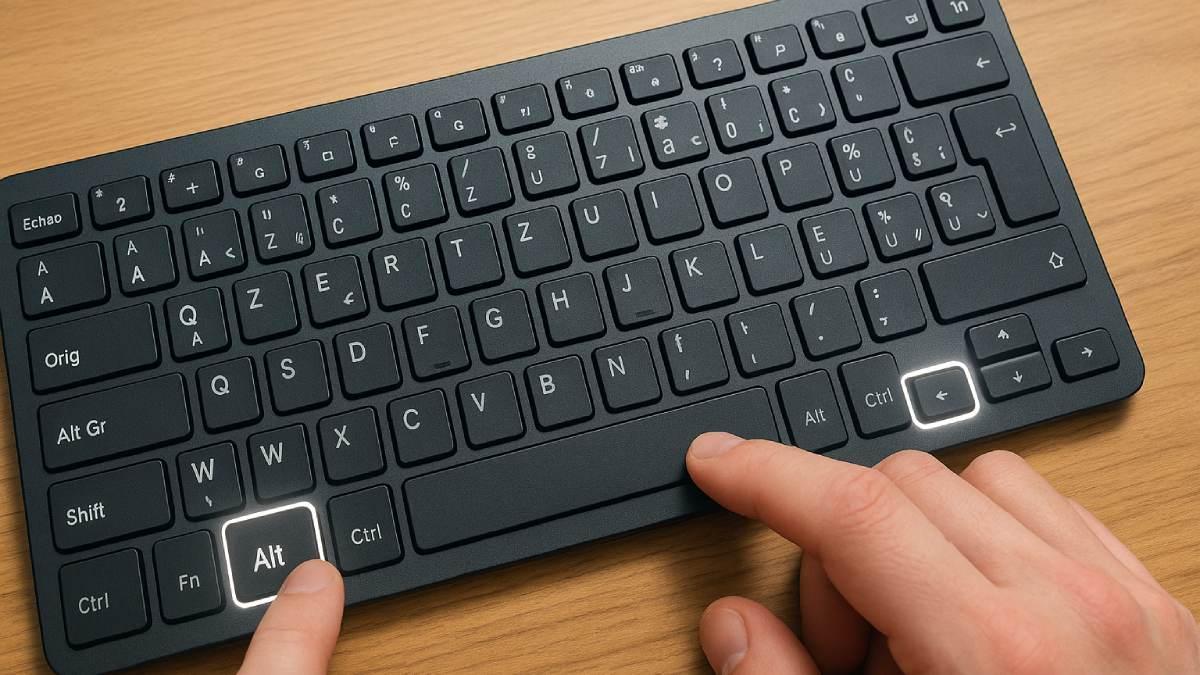
You definitely know that coworker or friend who barely ever touches their mouse. Windows open, text gets copied, files get saved… all in a fraction of a second. They are not performing magic tricks: they simply master keyboard shortcuts.
Every single time you lift your hands off the keyboard to hunt through a menu with your mouse, you lose a second or two. Multiply that across hundreds of repetitions a day, and you are wasting hours every month. Here are 15 game-changing Windows shortcuts, organized by daily use.
The 5 Essentials You Must Learn Today
- Ctrl + C: Copy selected item or text.
- Ctrl + V: Paste.
- Ctrl + X: Cut (copies and removes from original location).
- Ctrl + Z: Undo last action. Your ultimate safety net when you make a mistake.
- Ctrl + S: Save. The vital reflex that saves hours of hard work during unexpected power cuts or system crashes.
For Text and Documents
- Ctrl + A: Select all content.
- Ctrl + F: Find a specific word or phrase in a document or webpage. Crucial for pinpointing data in massive PDF reports.
- Ctrl + Y: Redo the action you just undid.
- Ctrl + P: Print (or save document directly as a PDF).
For Web Browsing
- Ctrl + T: Open a new browser tab.
- Ctrl + W: Close the active tab immediately.
- Ctrl + Shift + T: Reopen the tab you just accidentally closed. You will love this one.
For Everyday Windows Navigation
- Alt + Tab: Switch smoothly between open applications.
- Windows + D: Minimize everything to show the desktop instantly (press again to restore windows).
- Windows + Shift + S: Capture a custom screen area screenshot. Perfect for quickly sharing an error code or receipt on WhatsApp.
Bonus Shortcuts for Power Users
- Windows + E: Open File Explorer in a flash.
- Windows + L: Instantly lock your PC when stepping away (a vital security reflex at the office or an internet café).
- Windows + V: Access your clipboard history to paste items copied earlier. (Requires a quick one-time activation).
- Ctrl + Shift + Esc: Open Task Manager directly whenever a software freezes.
How to Memorize Shortcuts Without the Struggle
The biggest trap is trying to memorize all 15 shortcuts in one sitting. You will forget them within 48 hours. Instead, apply this reliable framework:
- Start with just 3 shortcuts, such as Ctrl + S, Ctrl + Z, and Alt + Tab.
- Force yourself to use them exclusively for one week, even if it feels slower initially.
- Introduce 2 to 3 new shortcuts each following week.
- Stick a small sticky note right on your screen border displaying your target shortcuts for the week.
Within a single month, your fingers will trigger these commands automatically through pure muscle memory.
What About Mac Users?
Most of these functions translate seamlessly to macOS: simply replace the Ctrl key with the Command (Cmd / ⌘) key. For example, Cmd + C copies and Cmd + V pastes.
Summary
Keyboard shortcuts represent the simplest, zero-cost productivity upgrade available. Start today with Ctrl + S, Ctrl + Z, and Alt + Tab, then build up your repertoire week by week. Your computer work will instantly feel lighter, faster, and far less exhausting.
Ready to level up your everyday workplace technology and professional skills? Explore RebOnly courses today.